How many Bases does your site need? The method
A shared battery network for the workplace isn't sized by headcount. The method we follow with every client, from studying spaces to data-led tweaks.
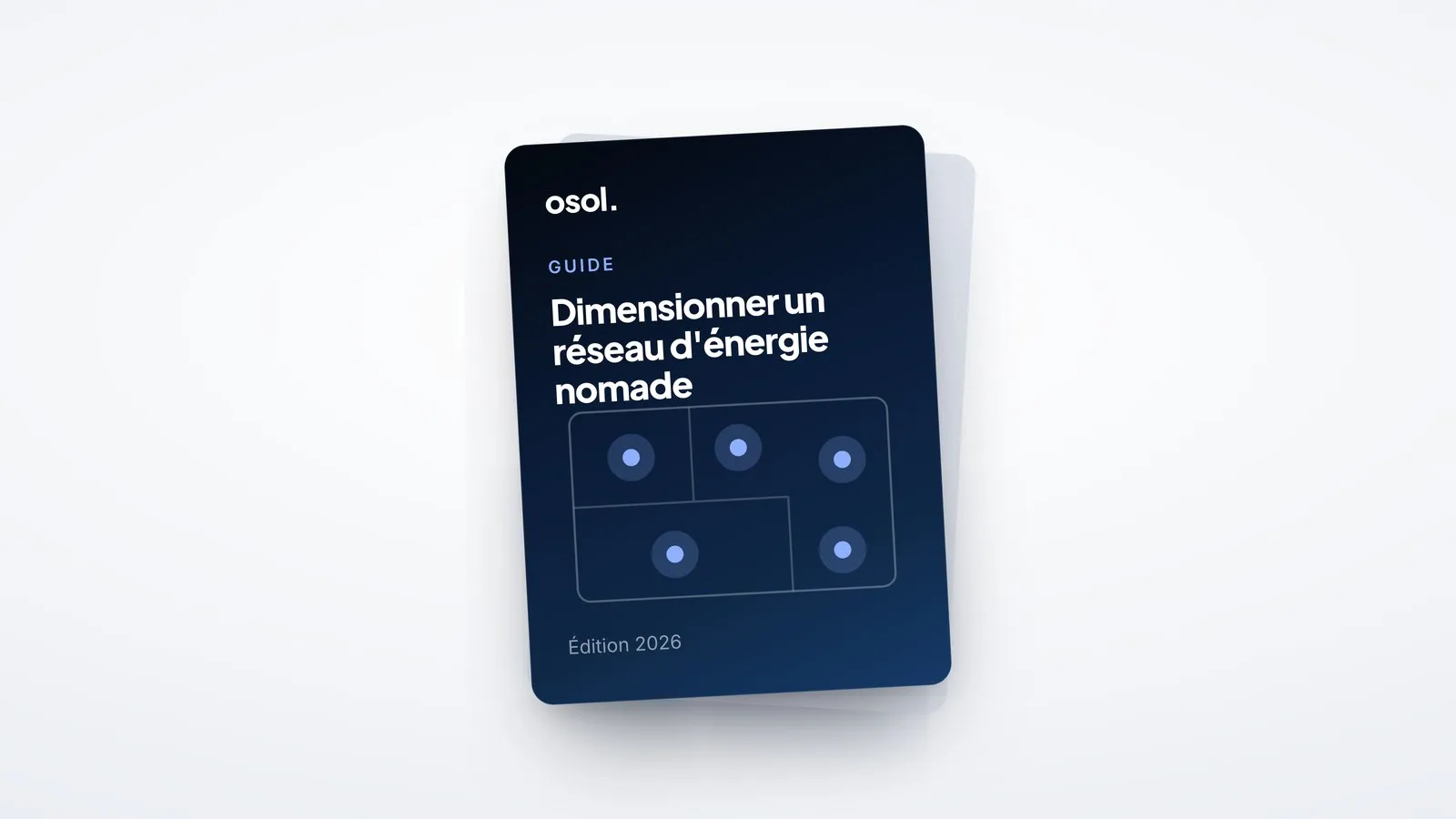
The number of Bases on a site is decided from how spaces are used and how people move, not from headcount: two sites with the same headcount can need very different networks. You start with an initial configuration placed where people pass by, then usage data shows where to add density and where to move things.
It is the question that comes up at every first meeting. Here is the method, in five steps. It is set out in detail in our sizing guide.
Why not by the number of employees?
Because headcount, attendance and usage are three different figures. An employee working at their desk, plugged into a USB-C monitor, doesn't need a Pico (why the charger stays at the desk). The need comes from movement: meetings, workshops, informal work, training. A flex-office headquarters and a regional office of the same size don't live at the same pace.
1. Read the spaces
You start with the floor plan. Which areas are underused today for lack of outlets? Where are the hubs, the places everyone passes through during the day? We look at three families of spaces: collaborative, hybrid and informal.
2. Understand how spaces are used
A training centre, a headquarters and an R&D campus don't have the same rhythm. We look at:
- the times of day with high attendance;
- the share of meetings and mobile work;
- the spaces you want to open up for work.
Room bookings and an on-site observation are often enough.
3. Place Bases on the flows
A Base goes on a route, not in a room. The principles that work:
- on the route, where people naturally walk;
- visible, so people come across it without looking for it;
- between several spaces rather than inside just one;
- at the entrance to an area: a floor, an open-plan space, a training area;
- near an everyday landmark, such as the coffee point or the floor reception;
- spread out rather than concentrated, so that people can take a Pico in one place and return it in another.
4. Deploy an initial configuration
We propose a starting volume and locations. Osol takes care of configuration, delivery, installation and communication with your teams. Bases are set down and plugged into a standard outlet, with no construction work.
5. Adjust with data
This is where the network really comes into its own. The platform shows, station by station, how Picos are used: utilisation rate, peak hours, how long they are borrowed for. When more than 70% of a Base's Picos are regularly out, that is a signal: you add a Base nearby. A quiet Base is worth moving.
The right sizing isn't the one from day one. It is the one the data shows you after a few weeks.
And when spaces change?
Your spaces will evolve: a team arriving, a floor being refitted, a new project area. The network follows. You move a Base, or add one, with no building work. A regular review with your Osol contact helps you plan ahead.
Frequently asked questions
How many Bases do I need for my site?
It depends on your spaces, your flows and how spaces are used, not only on your headcount. We work it out together on your floor plans, then usage data lets you adjust.
Is there a ratio per employee or per m²?
No. Two sites of the same size can have very different needs. That is why we start from usage, then from the data.
How many Picos does a Base hold?
Ten Picos, charged and locked into the Base.
What should I prepare for a first meeting?
Your floor plans, the list of the most requested spaces and your upcoming fit-out projects. Thirty minutes is enough for an initial estimate.